


CAD-CAM
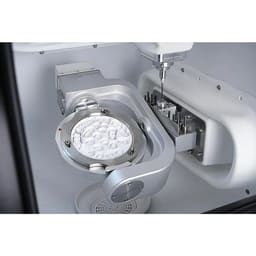
CAD/CAM is the digital workflow that designs and mills dental restorations by computer. A scan of the tooth becomes an on-screen design, which a milling machine then carves from a solid block. This category stocks the manufacturing hardware — 5-axis milling machines and the zirconia and metal milling burs that cut inside them.
 Recommended
 Price- High to LowPrice- Low to High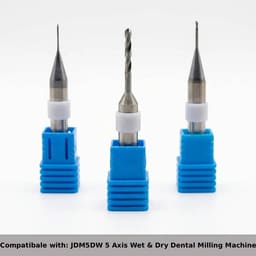
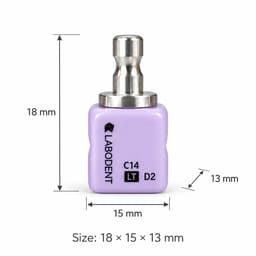

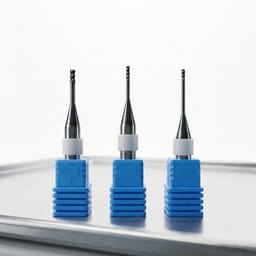
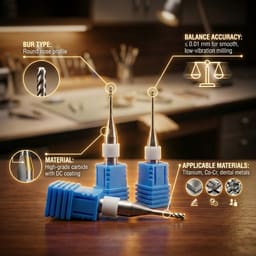
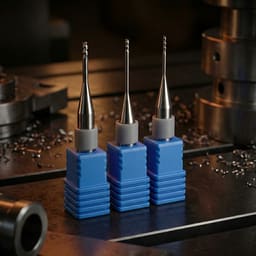
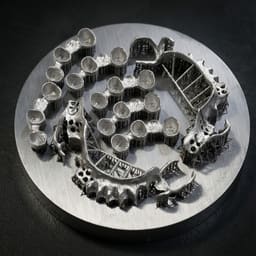
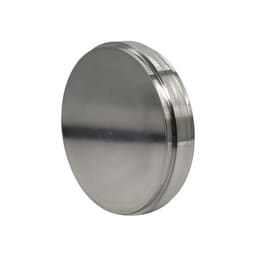
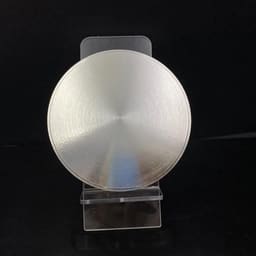
 50
50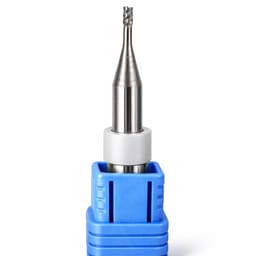
 25
25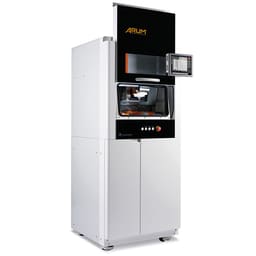
CAD/CAM
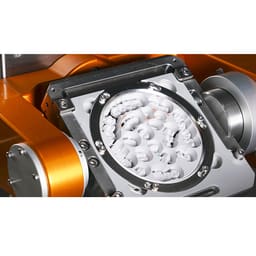
CAD/CAM — computer-aided design and computer-aided manufacturing — is how a modern crown, bridge, or abutment gets made. It skips the impression tray and the casting. The tooth is scanned into a digital file. Software then shapes the restoration. Finally a milling machine carves it from a solid disc. The route is faster and more repeatable than the analogue one, and it runs both chairside and in the lab. This category stocks the manufacturing end of that chain.
The workflow in three steps
Every CAD/CAM restoration passes through the same sequence:
- Scan — the prepared tooth is captured. This happens chairside with an intraoral scanner, or in the dental laboratory from a model.
- Design — software builds the crown, bridge, or abutment on the scan, setting margins, contacts, and shape.
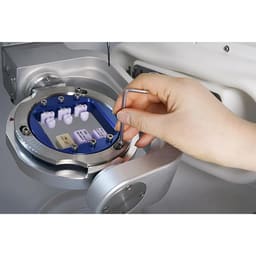
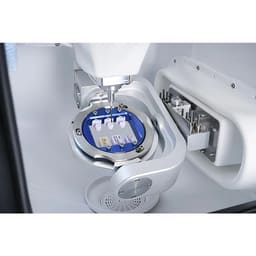
- Mill — a milling machine cuts the design from a block, using the burs and materials that make up this category.
Design and scan are software and optics; milling is hardware — and hardware is what you buy here. For how the three steps run in a single visit, see our guide to chairside CAD/CAM workflows.
What this category stocks
Two things do the cutting, and both live in this category:
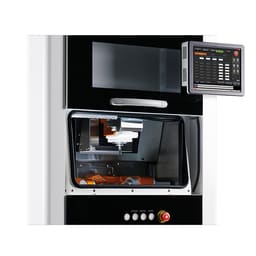
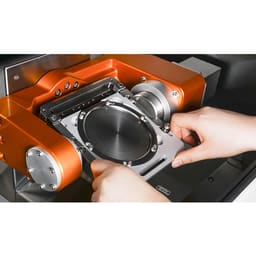
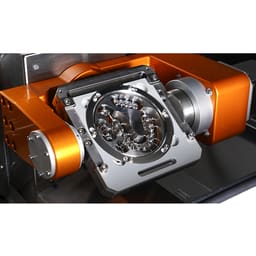
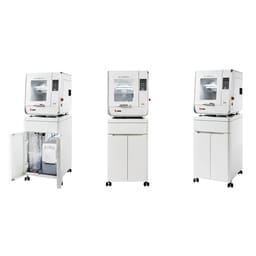
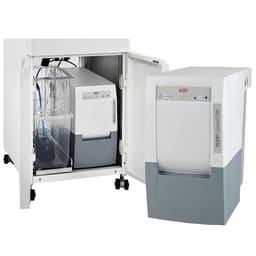
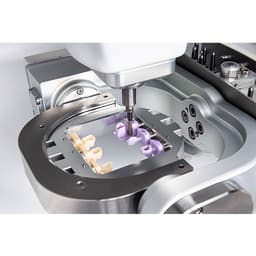
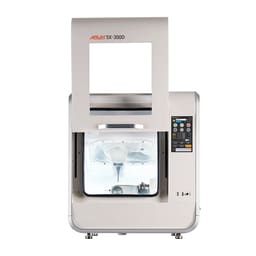
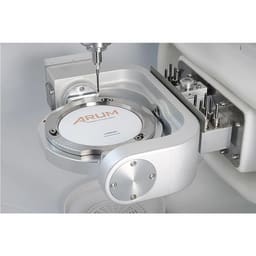
- Milling machines — the enclosed unit that holds the block and moves cutting tools around it. A 5-axis machine (like the Arum 5X range) tilts the block on two extra axes. That lets it reach undercuts and complex shapes a 3-axis unit cannot.
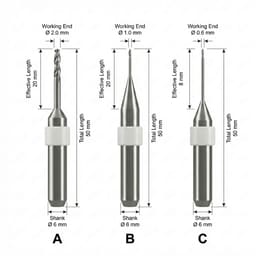
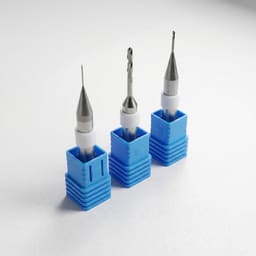
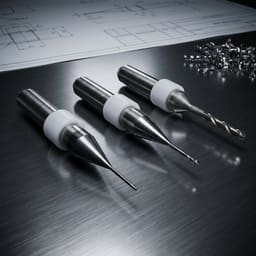
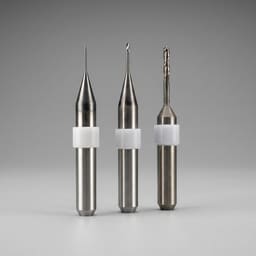
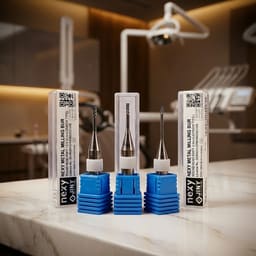
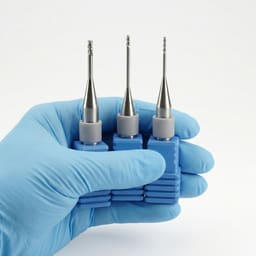
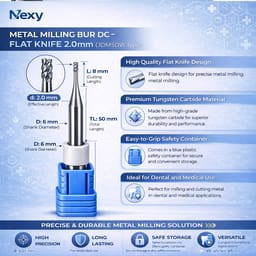
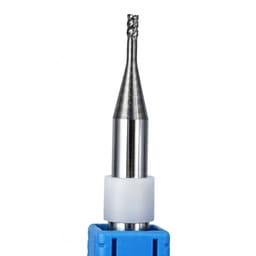
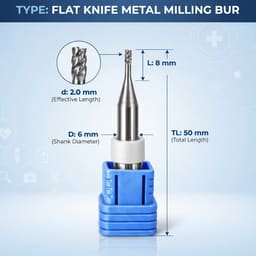
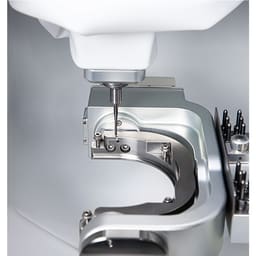
- Milling burs — the small rotary tools clamped in the spindle that actually cut, close cousins of the rotary dental burs used at the chair. They are matched to the material: diamond-coated for zirconia and glass ceramics, carbide for metal and PMMA.
Burs are consumable and wear out; machines are a long-term investment.
Choosing machine and burs
A few things to weigh:
- Axes — 5-axis for full-contour crowns, bridges, and angled abutments; simpler units for inlays and single copings.
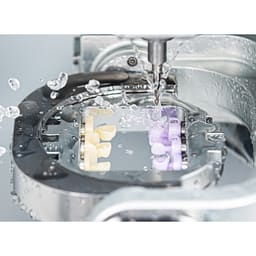
- Wet or dry — wet milling for zirconia and glass ceramics; dry for PMMA and wax.
- Bur material — diamond for ceramics, carbide for metal and plastics; keep spares, as burs wear.
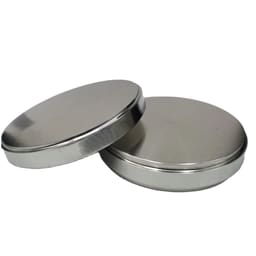
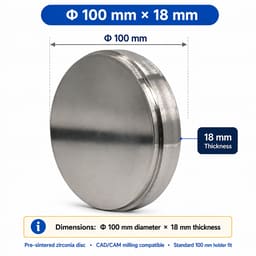
- Block fit — check the machine takes the disc size and the material you use, including the PMMA discs used for temporaries.
CAD/CAM also feeds implantology, milling the custom abutments that seat on placed implants.
Why buy CAD/CAM from Dentalkart
A milling machine is a large, long-term purchase, and the burs that feed it are a repeat cost, so it helps to source both from one place. Every machine here comes through the maker's own channel in India, carrying the real warranty and licence, with installation and operator training arranged through the service network. EMI spreads the upfront outlay across the practice. The matching diamond and carbide burs then reorder in a click, beside the PMMA blocks and other discs the machine cuts. The mill, its tools, and its material stay on one order.
Frequently Asked Questions (FAQs):
What does CAD/CAM actually do in a dental practice?
CAD/CAM designs and mills restorations by computer. There is no impression to send away for casting. Instead the tooth is scanned, the crown is shaped in software, and a machine mills it from a block. This shortens the workflow and removes several manual steps. Chairside, it can deliver a fitted restoration in a single visit.
What is the difference between a 3-axis and a 5-axis milling machine?
The number of directions the machine can move the block. A 3-axis machine cuts on three planes, fine for inlays and single copings. A 5-axis machine adds two tilting axes, so it can reach undercuts and angled surfaces — needed for full crowns, bridges, and screw-retained abutments. The Arum 5X range is 5-axis.
Why do milling burs need replacing so often?
Because they are consumables that cut hard materials at high speed. A bur grinding zirconia or metal dulls with use, and a worn bur leaves a rough surface and a poorer fit. Milling burs are matched to the material — diamond for ceramics, carbide for metal and PMMA — so keeping fresh, correct burs on hand protects restoration quality.
Do I need CAD/CAM for the lab or for the chair?
Both settings use it, with different scales. Chairside CAD/CAM sits in the surgery for same-day single restorations. Lab CAD/CAM handles higher volumes, larger discs, and a wider material range for many cases at once. The milling machine and burs are chosen to match — a compact chairside unit or a larger lab machine.
What materials can a CAD/CAM machine mill?
It depends on the machine. Common blocks are zirconia and glass ceramics for final crowns, PMMA and wax for temporaries, and metal for frameworks. Wet milling suits ceramics; dry milling suits PMMA and wax. Always match the block size and material to what the machine and its burs support.