
Dr.Bhavishya Arora
Dental Content Contributor
Correcting Common Apex Locator Errors
A Clinical Troubleshooting Guide
Accurate working length is the cornerstone of successful endodontic therapy. In a busy Indian practice, erratic readings can cause clinical frustration. This guide addresses common causes of inaccuracy and provides solutions for consistent measurements.
Table of Contents
Identifying Inaccurate Reading Sources
- Metallic restorations like crowns or amalgam fillings can short-circuit the device.
- Inadequate contact between the lip clip and the patient's mucous membrane.
- The file touching the metal frame of rubber dam clamps during measurement.
- Dried or exhausted batteries providing insufficient or unstable power to the unit.
- Damaged or frayed cables and connectors creating an inconsistent electrical signal.
- External electromagnetic interference from other nearby dental or medical equipment.
COMMON SOURCES OF SIGNAL INTERFERENCE
Amalgam, PFM crowns, or metal posts can create an electrical short circuit.
Saliva or blood contamination in the pulp chamber provides an alternate pathway.
A loose lip clip or file holder breaks the essential electrical circuit.
Weak batteries deliver unstable voltage, leading to fluctuating and unreliable readings.
Operator Technique & Procedural Errors
- Advancing the endodontic file too rapidly down the canal can cause errors.
- Using a file size that is too loose and does not contact canal walls.
- Failing to establish a straight-line access to the canal orifice.
- Placing the lip clip on dry or chapped lips with poor conductivity.
- Not ensuring the file holder is securely gripping the metal shank of the file.
- Relying solely on the device without radiographic verification in complex cases.
Pre-Measurement Operator Checklist
Ensure the device shows a full or adequate charge before starting the procedure.
Place the clip firmly on the patient's oral mucosa, not on the dry lip.
Use a rubber dam to prevent saliva contamination and short-circuiting.
Remove excess irrigants or fluids from the pulp chamber before inserting the file.
Briefly touch the file holder to the lip clip to ensure the device registers a connection.
The 'Back-Off' Technique
For a confirmed reading, advance the file until the 'APEX' or '0.0' indicator flashes. Then, withdraw the file by 0.5 mm to 1.0 mm to establish the working length at the apical constriction. This prevents over-instrumentation.
Device Maintenance in India
- Wipe the device and cables with a soft, dry cloth after each use.
- Avoid using harsh chemical sprays directly on the screen or device body.
- Store the unit in a cool, dry place away from direct sunlight.
- Routinely inspect cables for any signs of cracking, fraying, or wear.
- Charge the battery according to the manufacturer's specific instructions.
- Ensure autoclavable components are fully dry before reattaching them.
ESSENTIAL APEX LOCATOR CARE
Regularly check for frays or damage that can disrupt the electrical signal.
Gently clean metal contacts on clips and probes to ensure good conductivity.
Keep the device in a low-humidity environment to prevent internal corrosion.
Perform a simple circuit test daily before the first patient appointment.
Avoid Liquid Damage
Never submerge the main unit in any liquid. Moisture ingress can corrode the internal circuit board, leading to permanent device failure and voiding the warranty. Use only manufacturer-approved disinfectant wipes.
Frequently Asked Questions
A short reading occurs because excess fluid, especially conductive irrigants like sodium hypochlorite or fluids like blood, creates an electrical short circuit. This completes the circuit before the file tip reaches the physiological apex. To fix this, irrigate with a non-conductive solution like saline and use paper points to dry the canal until it's just moist, not flooded. A reading taken in a canal that is 80% dry is often most accurate.
Yes, a metal or porcelain-fused-to-metal (PFM) crown is a very common cause of inaccurate readings. If the endodontic file touches the metallic margin of the crown while in the canal, it will immediately short-circuit the device, giving a false 'apex' reading. You can prevent this by placing an insulating material like composite or glass ionomer in the access cavity, ensuring the file shaft only touches tooth structure and not metal.
Most modern, 4th and 5th generation apex locators do not require manual calibration. They often perform an automatic self-check when powered on. However, you should perform a simple functionality test daily. Just connect the lip clip and the file holder; the device should immediately show an 'apex' or short-circuit signal. If it doesn't respond correctly, check the batteries and cables before clinical use.
Fluctuating readings typically indicate a poor or inconsistent electrical contact. This can be due to a very dry canal, a loose-fitting file, or debris within the canal. To stabilize the reading, ensure the canal is slightly moist. Use a file that has a snug fit, especially in the apical 3-4 mm. Advance the file slowly and steadily in small increments, allowing the reading to stabilize after each movement.
Written by
Dr.Bhavishya Arora
Dental Content Contributor
A contributing clinician at Dentalkart Blogs, Dr. Bhavishya is a compassionate, detail-driven dentist known for thoughtful patient care, clear communication, and a calm chair-side manner that puts patients at ease. Beyond the clinic, she leads product content and category initiatives at Dentalkart India's largest dental marketplace where she bridges clinical understanding with commercial insight to help dentists make better-informed product choices.
Keep reading
Browse all →Navigating Gates-Glidden Drill Sizes
Navigating Gates-Glidden Drill SizesA Clinical Selection Guide Gates-Glidden (GG) drills are latch-type, side-cutting rotary instruments for shaping the coronal
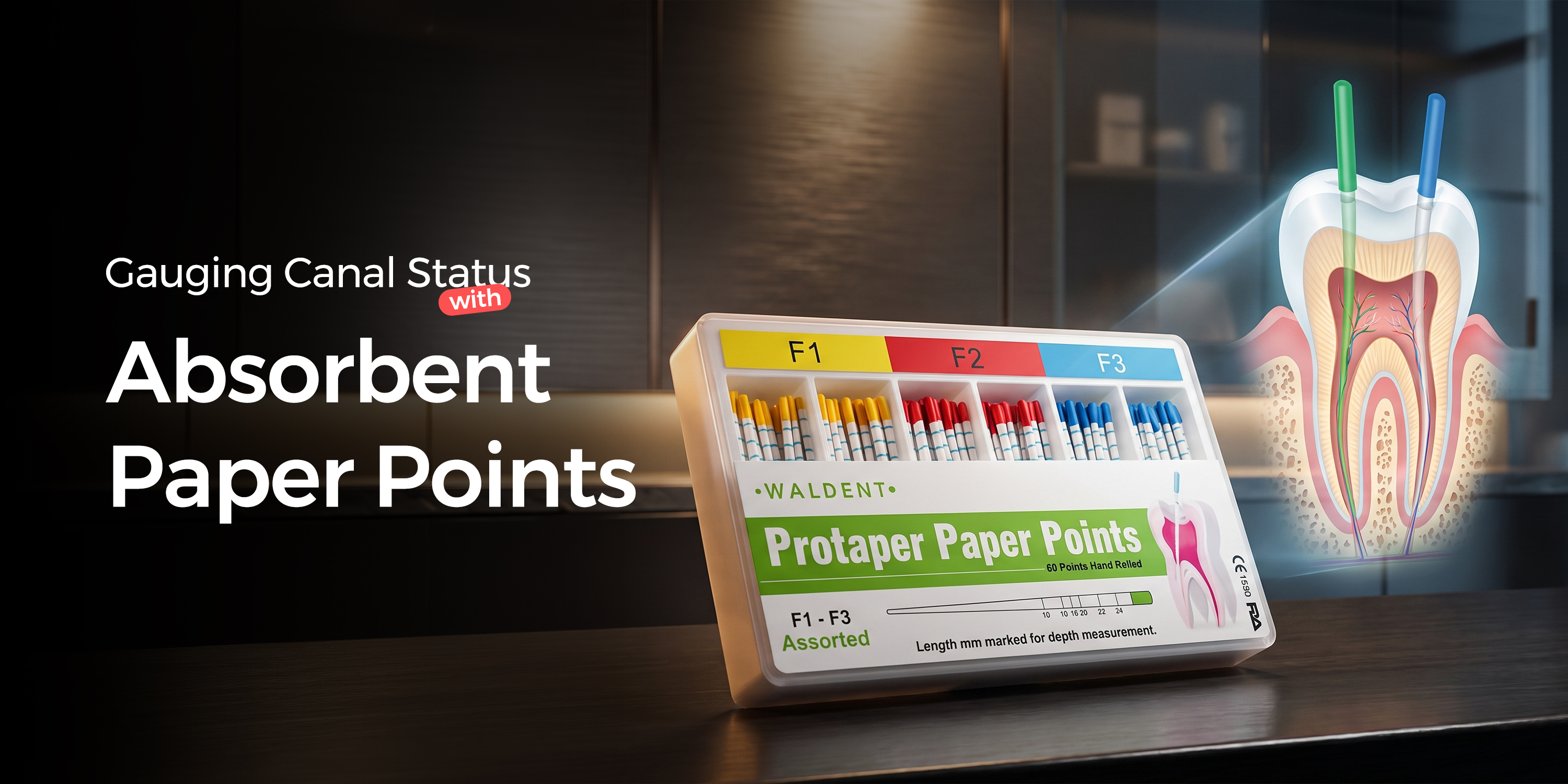
Gauging Canal Status with Absorbent Paper Points
Gauging Canal Status with Absorbent Paper PointsA Clinical Selection Guide Using absorbent paper points for diagnosis provides critical, real-time feedback on c

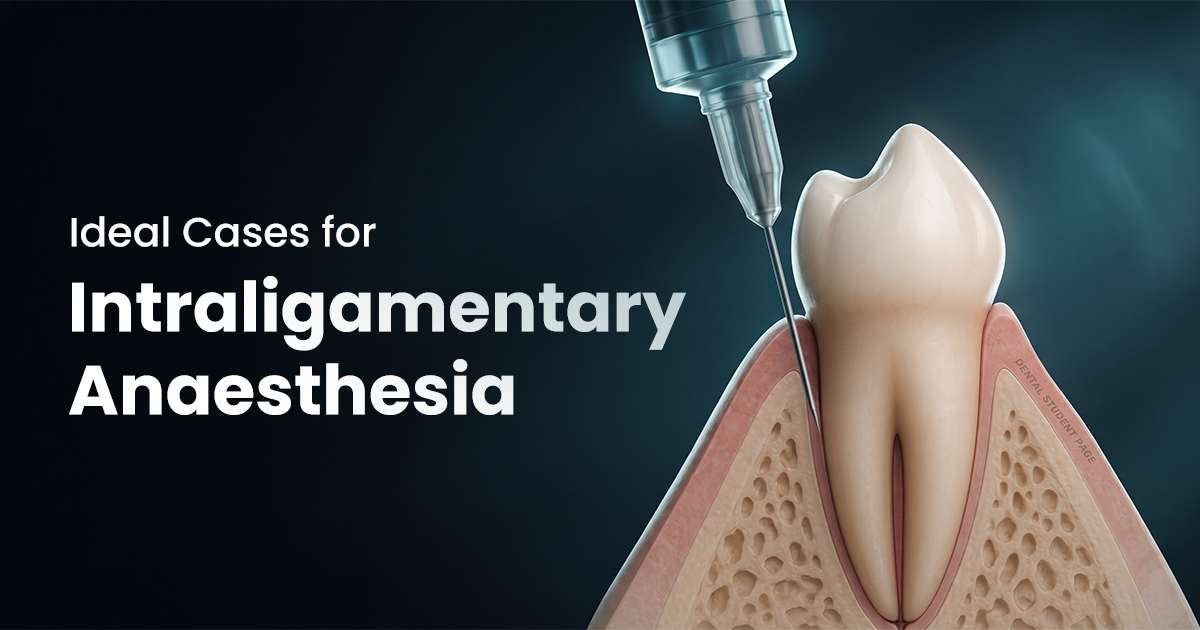
Ideal Cases for Intraligamentary Anaesthesia
Ideal Cases for Intraligamentary AnaesthesiaAn Evidence-Based Guide Intraligamentary anaesthesia is a supplemental injection technique that forces a local anaes
